



Real-Time E-Commerce Streaming Pipeline
Production-scale streaming architecture with Kafka, Python, and PostgreSQL
Overview
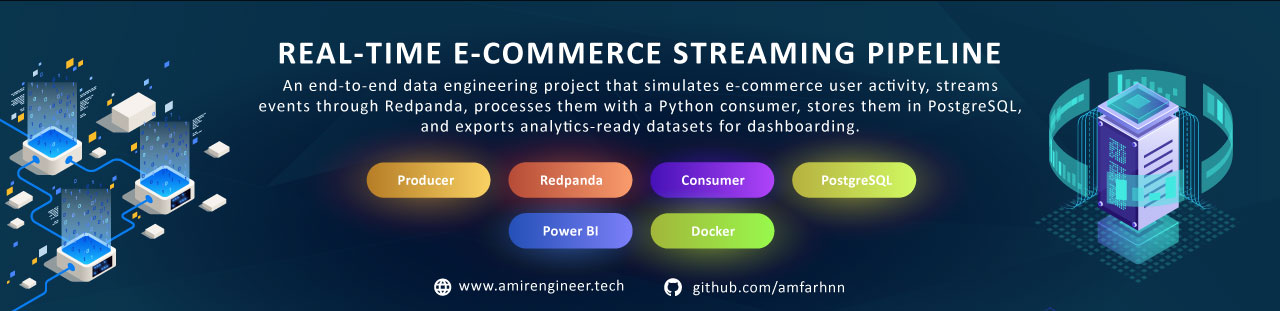
This is a comprehensive, production-style end-to-end data engineering project that demonstrates how to build a real-time e-commerce event streaming pipeline. The system simulates realistic user behavior (page views, shopping cart actions, purchases), streams these events through Redpanda (a high-performance Kafka-compatible streaming platform), processes them in real-time using Python consumers, enriches the data with business logic, persists it to PostgreSQL, and exports analytics-ready datasets for downstream BI tools like Power BI.
This project highlights modern data engineering practices including event streaming, real-time data processing, database management, and analytics pipeline architecture.
System Architecture
Data Flow Pipeline
Architecture Flowchart Animation

Key Features
Event Simulation
Generates realistic e-commerce events: page_view, add_to_cart, remove_from_cart, and purchase with realistic data patterns.
Real-Time Processing
Kafka-compatible Redpanda broker enables high-throughput, low-latency event streaming and processing.
Consumer Groups
Parallel event consumption and processing with Python consumer groups for scalability and fault tolerance.
Data Enrichment
Adds business logic to events: high-value customer flags, revenue calculations, product categorization.
PostgreSQL Storage
Persists raw events and maintains live product sales summary tables for fast analytics queries.
Analytics Export
Generates analytics-ready CSV files for Power BI and other BI tools: event counts, top products, revenue analysis.
Technology Stack
Python
Core language for producer and consumer logic, data processing, and analytics scripts.
Redpanda
High-performance Kafka-compatible streaming platform. Drop-in Kafka replacement with better performance.
kafka-python
Python client library for Kafka/Redpanda. Handles producer and consumer implementations.
Faker
Generates realistic fake data for e-commerce events including user names, products, and transactions.
PostgreSQL
Relational database for storing raw events and materialized analytics tables.
Pandas
Data manipulation library for transforming, aggregating, and exporting analytics data to CSV.
Docker
Containerization for reproducible environment: Redpanda, PostgreSQL, and Python services.
Power BI
Business intelligence tool for creating dashboards and visualizations from exported analytics data.
Project Components
- producer.py - Generates 100+ realistic e-commerce events per run using Faker library
- consumer.py - Subscribes to Redpanda topic and processes events in real-time
- db_postgres.py - Manages PostgreSQL connections, schema, and queries
- analytics.py - Aggregates data: event counts, top products, revenue analysis
- export_analytics.py - Exports query results to CSV for Power BI
- docker-compose.yml - Orchestrates Redpanda and PostgreSQL containers
Data Model
Getting Started
- Docker & Docker Compose installed
- Python 3.8+
- Git for cloning the repository
-
Clone the repository
git clone https://github.com/amfarhnn/ecommerce-streaming-pipeline.git cd ecommerce-streaming-pipeline
-
Start Redpanda and PostgreSQL with Docker
docker-compose up -d
-
Install Python dependencies
pip install -r requirements.txt
-
Initialize the database
python src/db.py
-
Run the producer to generate events
python src/producer.py
-
Run the consumer in another terminal
python src/consumer.py
-
Export analytics data
python export_analytics.py
Results and Achievements
Successfully demonstrates: Real-time event processing at scale, producer-consumer patterns, data enrichment pipelines, integration with analytics platforms, and containerized deployment strategies.